TL;DR: faf-cli 7.7.0 understands Swift projects
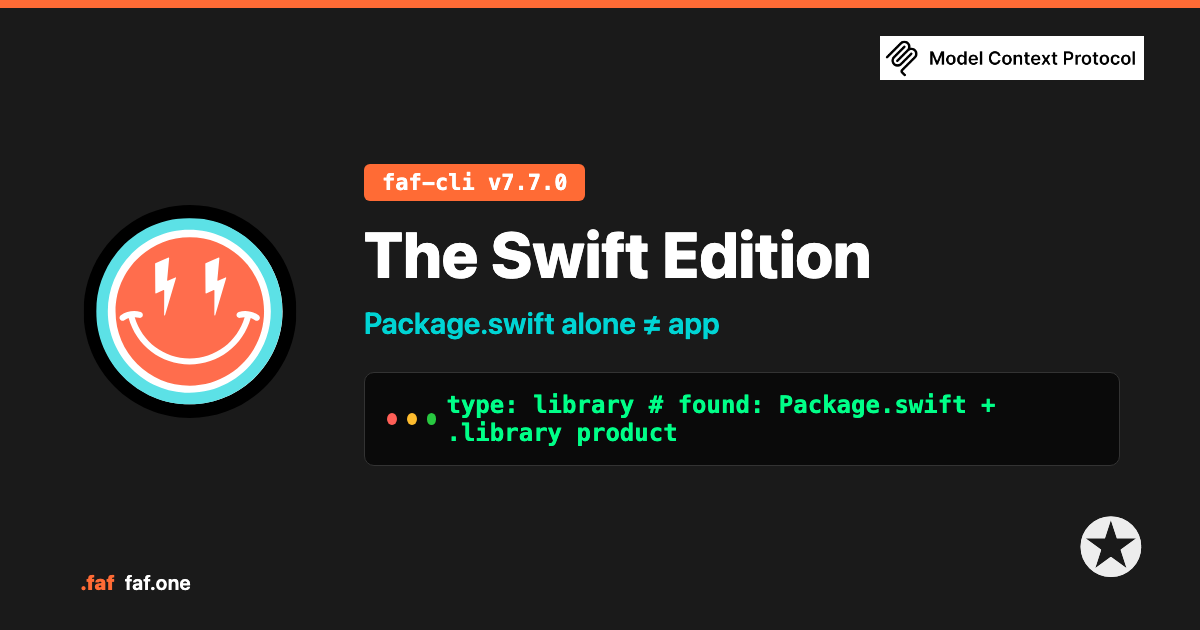
the way you do — from products and package dependencies, not from the fact that a Package.swift exists. Kill line: Package.swift alone ≠ app. Bare packages stay libraries.
npx --yes faf-cli@7.7.0 --version cd your-package && npx --yes faf-cli@7.7.0 auto npx --yes faf-cli@7.7.0 scoreWhat it is
The Swift Edition is content-aware Swift detection in faf-cli. You run faf auto in a project with a Package.swift or an Xcode app target; it classifies from products, package URLs,
and light layout you already ship, then writes durable context into project.faf so AI agents know what they’re standing in.
It classifies your project as one of:
- MCP server — official
modelcontextprotocol/swift-sdk, productMCP - Backend — Vapor or Hummingbird (package URL / product), optional layout confirm
- CLI —
.executable/.executableTarget, ArgumentParser - App — Xcode application product type (light project file scan — not a full parse of your entire graph)
- Library — library product only, no host signals. Packages stay packages.
Also recorded: package manager (SPM / Xcode), framework label, and an inspectable found-line.
Not a black box. Static scan only — the CLI does not run swift build or execute
your package manifest.
Why it exists
Every Swift package can have a Package.swift. Not every package is an app.
Shareable libraries, command-line tools, Vapor services, MCP servers, and Xcode client apps all live in the Swift ecosystem. Filename-only tooling treats “has Package.swift” as “some kind of app” — or under-reads everything as a generic library with no shape — and the agent brief invents UIKit screens, wrong entry points, or a backend you don’t have.
Wrong brief: “iOS app — add a view controller.”
Right brief: library · or backend + Vapor ·
because the products (or deps) said so.
SPM already encoded the shape: products (library · executable · plugin), package URLs and product names (Vapor, Hummingbird, MCP, ArgumentParser), then light Xcode signals for real client apps. The Swift Edition exists so the first fact agents get is what the project actually is.
What’s in it for Swift devs
- Agents that match the repo. A pure SPM library stays a library. Vapor stays backend. No invented SwiftUI App lifecycle by default.
- Zero new config. No tags, no extra manifest — it reads the
Package.swift(and light Xcode signals) you already ship. - Honest unknowns. Unrecognized packages fall through to
library— not a fake iOS label.
| Your project looks like… | What agents get |
|---|---|
modelcontextprotocol/swift-sdk · product MCP | mcp |
vapor/vapor / product Vapor · Hummingbird | backend + that framework |
.executable / ArgumentParser · no server host | cli |
.xcodeproj + product-type.application | app |
Bare Package.swift · .library product only | library — stays a library |
Try it
Needs Node (or Bun). No account for the CLI. Pin 7.7.0 — don’t rely on a stale global.
npx --yes faf-cli@7.7.0 --version cd your-package npx --yes faf-cli@7.7.0 auto npx --yes faf-cli@7.7.0 scoreOpen project.faf — read project.type and the # found: line: bare library → library (and tech_stack stays Swift, not Vapor). Vapor product → backend + Vapor.
RED or Yellow score on a new package is normal — human slots empty. Detection ≠ Trophy. Shape first; fill who/what/why when you want ✪ 100%.
Daily use: npm install -g faf-cli@7.7.0, then faf auto && faf score. Cold-checked on the public registry for this pin.
Bounds
- Does: static classify from Package.swift products / package URLs / product
names + light Xcode application productType. Does not run
swift build. - Does not: treat every
Package.swiftas an app · fullproject.pbxprojgraph parse · Tuist/XcodeGen first-class · every Apple extension target · claim MCP process maturity beyond “official SDK present.”
Feedback welcome
Missed a package you ship with? Wrong shape on a real monorepo or Xcode workspace? Tell us — we will build more. The detection map grows from what Swift developers actually use.
If this saves you a wrong agent brief, a star helps the next project find it.
Star faf-cli