TL;DR: mcp-context-card is live at v1.0.0 on npm and the MCP Registry (io.github.Wolfe-Jam/mcp-context-card). It serves
a project's AGENTS.md, memory, and identity to any MCP client — nine tools, stdio +
stateless Streamable HTTP, discoverable through the Server Card _meta block
and an ai-catalog.json sibling. v1.0.0 declares the surface settled: no
functional change from 0.6.2, this is the reference point everything downstream pins to.
npx mcp-context-card npx mcp-context-card card # the card, no host neededIn plain English
AGENTS.md is the file you write to tell coding agents how your project works — run this command, not that one; prices are integer cents; the schema is generated, edit the source.
A coding editor reads that file when it opens your repo. An agent that reaches your project through an MCP server does not — MCP has no working directory and no convention for "the instructions file." It gets your tools and none of your rules.
mcp-context-card is a small server that hands that agent your AGENTS.md over
MCP — the whole file or one section — plus a bit of memory that survives a restart, and an
identity it can read back. The agent that came in the side door gets the same briefing as
the one that opened the repo.
What it is
Three concerns an MCP client can't see for itself:
- Context —
read_agents_mdserves AGENTS.md whole or section by section;list_agents_md_sectionslists what's there;author_agents_mddrafts one from the repo's real facts when there isn't one. - Memory —
remember/recall/forget, file-backed, proven across a real process boundary in the test suite. - Identity —
whoami, from the server's own Server Card, with apackage.jsonfallback.
Then discovery — two ways a client finds those three, through mechanisms
that already exist: the Server Card _meta block and a self-published ai-catalog.json, both generated from the same three sources so a CI check
fails on drift. list_context_sources and render_context_card round out the nine tools.
Stand it up as a base MCP, or run it alongside a server you already have — it composes, nothing to migrate.
The card
render_context_card takes those three sources and renders them as one
self-contained HTML page — the same context an agent reads over the wire, laid out as
something a person can look at. Screenshot it into a pull request, pin it to a status page,
or just check what a client is actually being told.
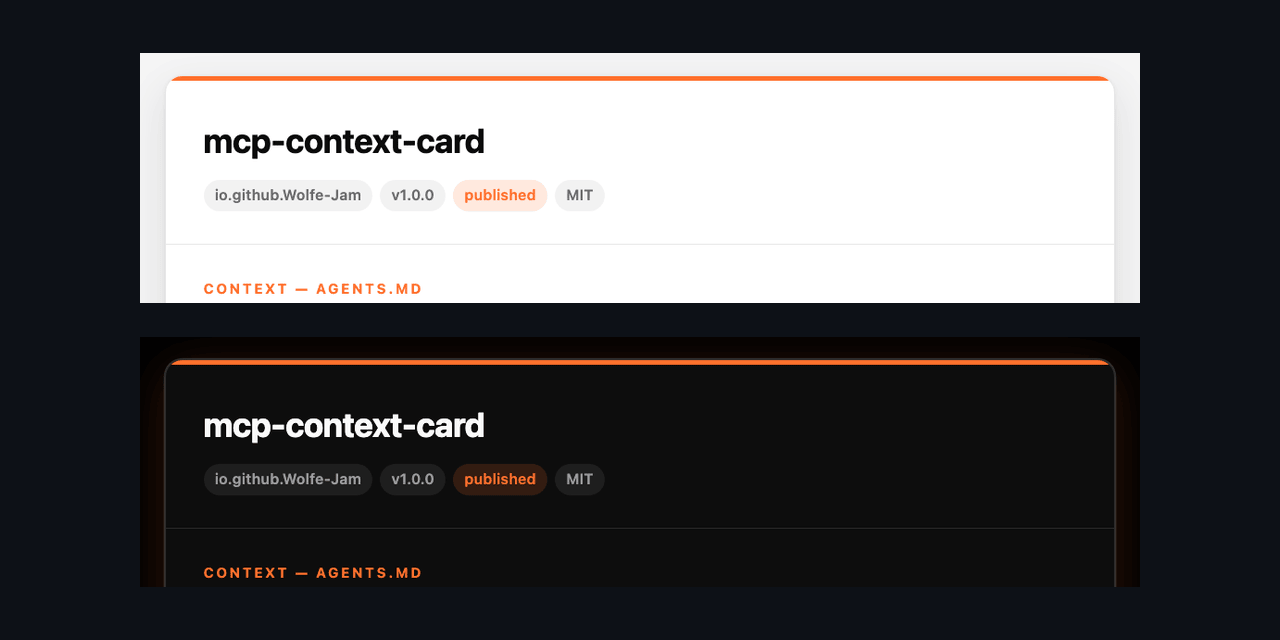
GET /card on the HTTP transport, the tool, or npx mcp-context-card card with no host at all.
Where .faf fits
Context is plain Markdown — AGENTS.md, the de-facto standard. Memory and
identity have no de-facto standard yet, so the server uses the IANA-registered FAF formats
as the worked example: project.fafm for memory, .well-known/fafa for identity. Both are swappable — the shapes are the point,
not the filenames. More on AGENTS.md and agent identity: faf.one/agents.
Try it
# run it (npm) npx mcp-context-card npm i -g mcp-context-card# the card — no host, no config npx mcp-context-card card > card.html# point it at a real project MCP_CONTEXT_CARD_ROOT=/path/to/project npx mcp-context-cardRelease: v1.0.0 · npm: mcp-context-card · Registry: io.github.Wolfe-Jam/mcp-context-card. Host setup for Claude Code,
Cursor and others is in docs/WIRING.md.
The numbers
- v1.0.0 — npm + MCP Registry + GitHub Release
- 9 tools — 3 context · 3 memory · 1 identity · 2 discovery, stable order
- 2 transports — stdio, stateless Streamable HTTP
- 2 discovery surfaces — Server Card
_meta,ai-catalog.json - 104 tests — Linux / macOS / Windows
- 3 independent verifications — Cursor (10/10), Claude Code / the MCP
SDK client over stdio (10/10),
@modelcontextprotocol/inspector --strict(clean) - MIT
If it earns it.
Star mcp-context-card